For hotels and resorts: bookings on WhatsApp, Instagram and Messenger, with 0% commission See how

English বাংলা
Communication channels / Website chat

An agent on your own website

A visitor with a question either gets an answer now or leaves. The chat on your site answers in seconds from your own information, and keeps their contact when they go.

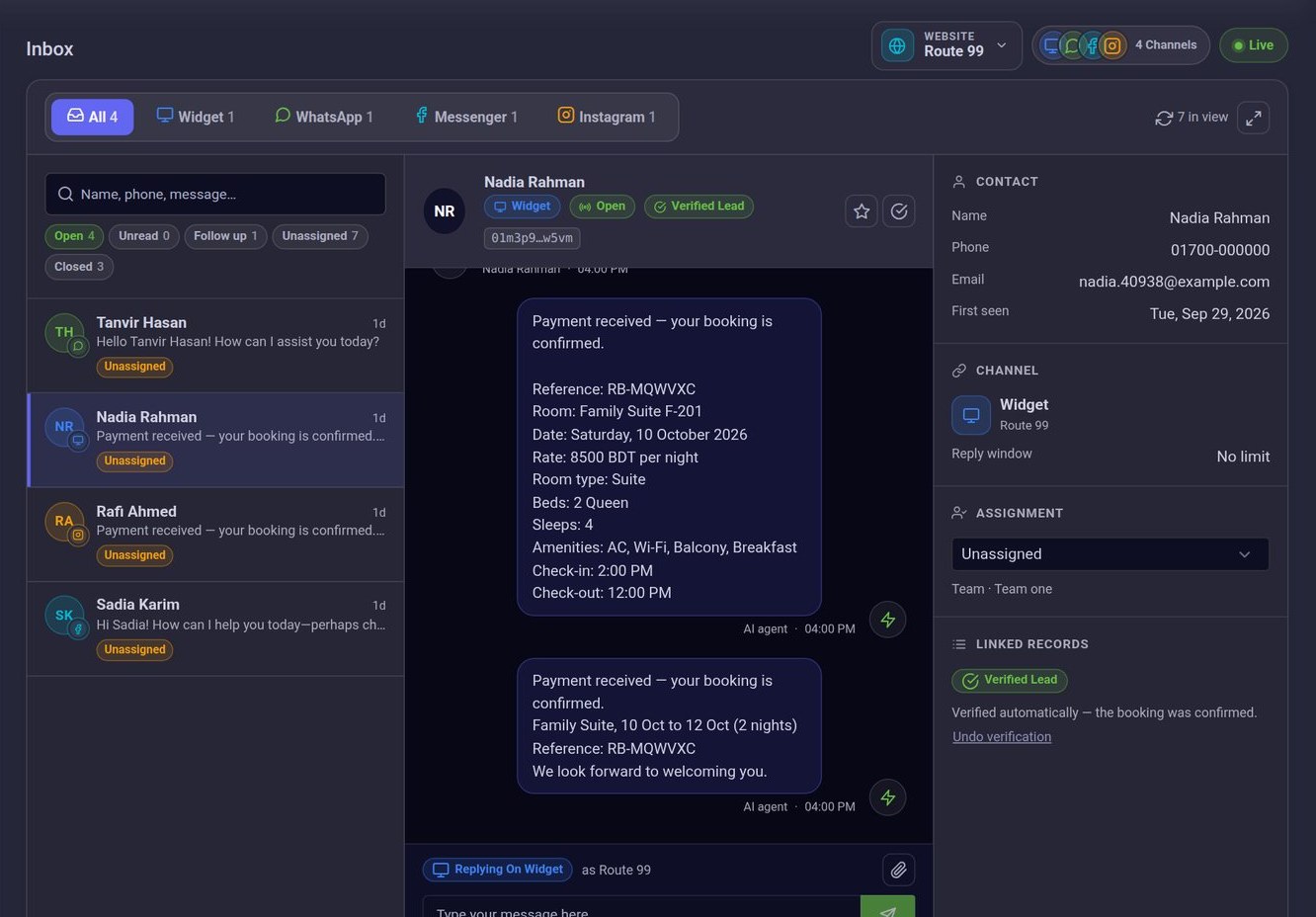
Every channel arrives in the same inbox
Website chat

What a website without a chat loses

  • Visitors read, hesitate, and leave.They had one question and nobody to ask.

    With ConversaAI: A chat on every page answers it in seconds.

  • The contact form is answered tomorrow.By then they have found someone else.

    With ConversaAI: The answer comes in the same minute, and your team is alerted when a person is needed.

  • You never learn who visited.No name, no number, nothing to follow up.

    With ConversaAI: The chat asks for contact details before the conversation starts, and the visitor is saved as a lead.

Live in four steps

  1. Add your website

    Give it a name and its address. It gets a key of its own.

  2. Copy the snippet

    One snippet from the Install tab, pasted into your site.

  3. Make it yours

    Colours, the welcome message, quick links and where the launcher sits.

  4. It starts answering

    Conversations appear in your inbox as they happen.

What is in the chat

  • One snippet to install

    Copy it from the Install tab and paste it into your site. The chat appears on every page.

  • In your colours and your words

    Set the colours, the welcome message, the opening screen, quick links and where the launcher sits.

  • Contact first

    The chat asks for the visitor’s details before a conversation starts, and you choose which ones: name, email, phone.

  • Photos and files

    Visitors can send images, PDFs and documents up to 10 MB. Your team sees them in the conversation.

  • A person can take over

    Reply from the inbox and the visitor sees it in the same chat. Once a person has replied, the AI leaves that conversation to them.

  • Only on your site

    List the web addresses the chat may run on, and it refuses to load anywhere else.

Try it on this pageThe chat in the corner of this site is the same one. Ask it something, then book a demo to see it with your own information.

Book a demo

What is included

  • Works on phones and desktops
  • Included in every plan
  • Each website has its own key
  • A button to ask for a person
  • Conversations appear in the inbox as they happen
  • AI replies can be switched off per website

Questions

No. If you can paste one snippet into your site’s template, or send it to whoever maintains the site, that is all.

List the web addresses the chat is allowed on. It then refuses to load anywhere else.

Yes. There is a button for it in the chat. Your team is alerted in the dashboard and by email, and the visitor is told someone will reply there.

Yes.

See it on a business like yours

Book a demo and we will show you, with your own questions.